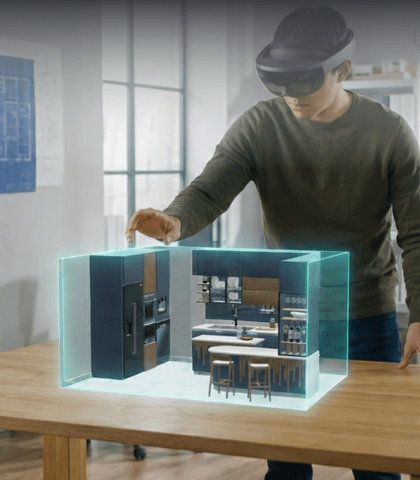
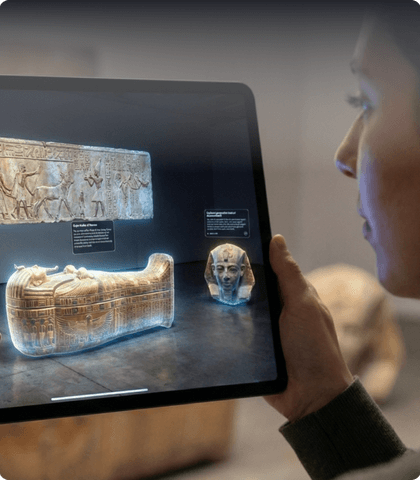
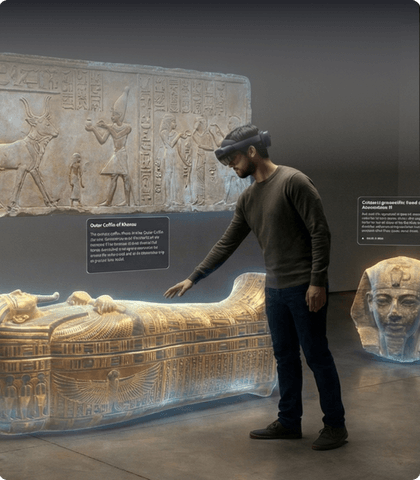
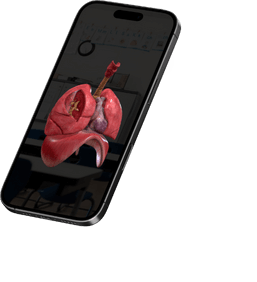
Upload your own models or browse our library to find what you need.
Choose Spatial Layouts
02
Choose from pre-built, interactive layouts—no need to worry about sizing or positioning.
Easy Editing
03
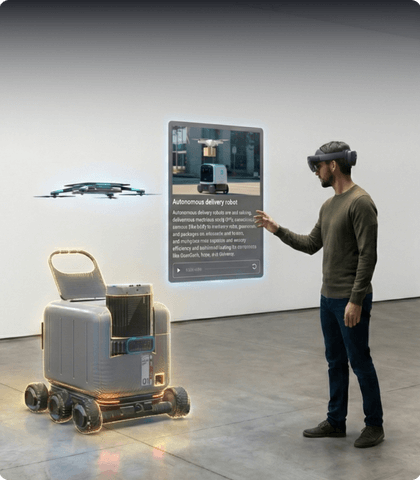
Create and edit scenes using familiar slide-based tools. Simply drag, drop, and customize your content.
Present XR in Real Time
03
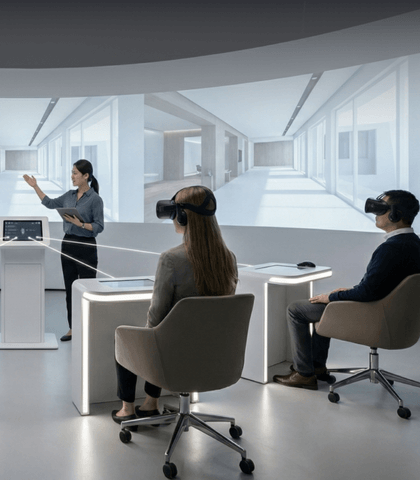
Deliver live XR lessons using a headset or projection. Guide your students through demos, group activities, or individual assignments.
OXR Product Demo Video
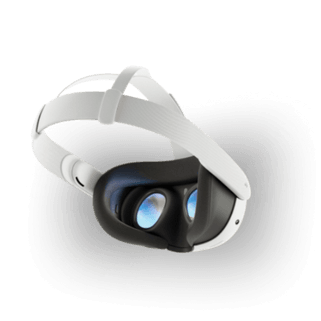
Currently compatible with Meta Quest, OXR is not yet publicly available for self-service access. Account creation and release-channel access require an invitation code. For access or collaboration inquiries, please contact us directly.
“OXR is great bringing things to life and being able to really capture our imagination, and just a few clicks, and it was so user friendly! “
Dana J.
HANDY Inc. Best Buy Tech Center Coordinator
“OXR makes it easy for students to explore what they can do with XR headsets, and with mentor support, they can collaboratively build meaningful projects.”
Hunan L.
CYC Clubhouse, Clubhouse Site Manager (San Francisco)
“It’s not just a flat image; you’re teaching spatial, layered disease context.”
Kamran M. Mirza, MD PhD, Assistant Chair for Education, Department of Pathology, Michigan Medicine (Ann Arbor)
Evidence & traction
University pilot
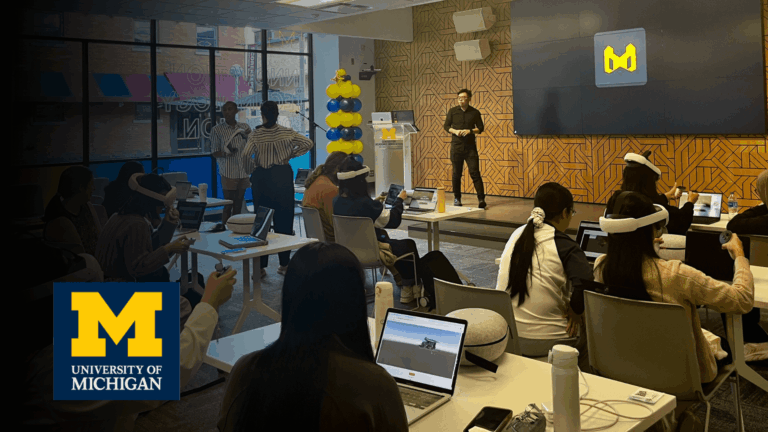
Marsal Family School of Education pilot (EDUC 601): 100% of students successfully designed and delivered XR lessons with minimal training.
K–12 pilot
Detroit Country Day School pilot (Upper School A&P): 80% said OXR was effective for learning; 90% satisfied with the lesson format; 90% want OXR used in future courses.
National Workshop
The Clubhouse Network Annual Summit workshop: 90% interested in follow-up sessions/pilots; 80% felt confident guiding youth to create XR projects using OXR.
Bring Learning to Life
Device Agnostic Spatial Presentation
Launch XR sessions across devices:
Web
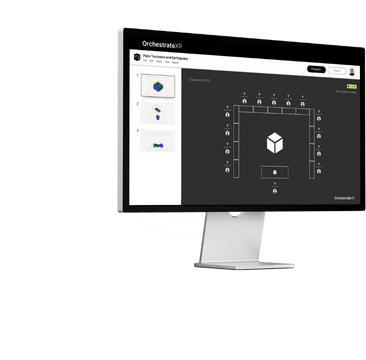
Control and monitor from your laptop. Adapt sessions in real time.
Mixed Reality
Present immersive content for class or meetings—collaborate spatially.
Mobile
Students can review lesson presenation from phones—no headset required.
Built for Real Classrooms
Key Features
Everything teachers need to get started—quickly, easily, and effectively.
Spatial Templates Ready
Pre-built layouts that are easy to customize—no design skills needed.
Live Annotation
Draw and interact in real time to guide attention and explain concepts clearly.
Breakout Mode
Enable group or individual XR activities for flexible, student-centered learning.
Simple Editing
Edit scenes just like slides—only now in 3D. Intuitive, drag-and-drop tools.
Virtual Camera
Stream or record immersive lessons for sharing or playback.
Engagement Insights
Track student focus and participation to inform your teaching.
From School to State wide competition
Recognitions
University of Michigan
Marsal Family School of Education, James A. Kelly Learning Lever Prize, 2025
University of Michigan
School of Information
Expo Innovation Category, 2025
Global Detroit
International Student Pitch Competition
2025
Enpower Learning
Why We Build It
We believe the future of education is experiential.
It still happens in the physical classroom—driven by human interaction.
We’re here to give educators and students the tools to create meaningful, hands-on learning experiences together with extended reality.